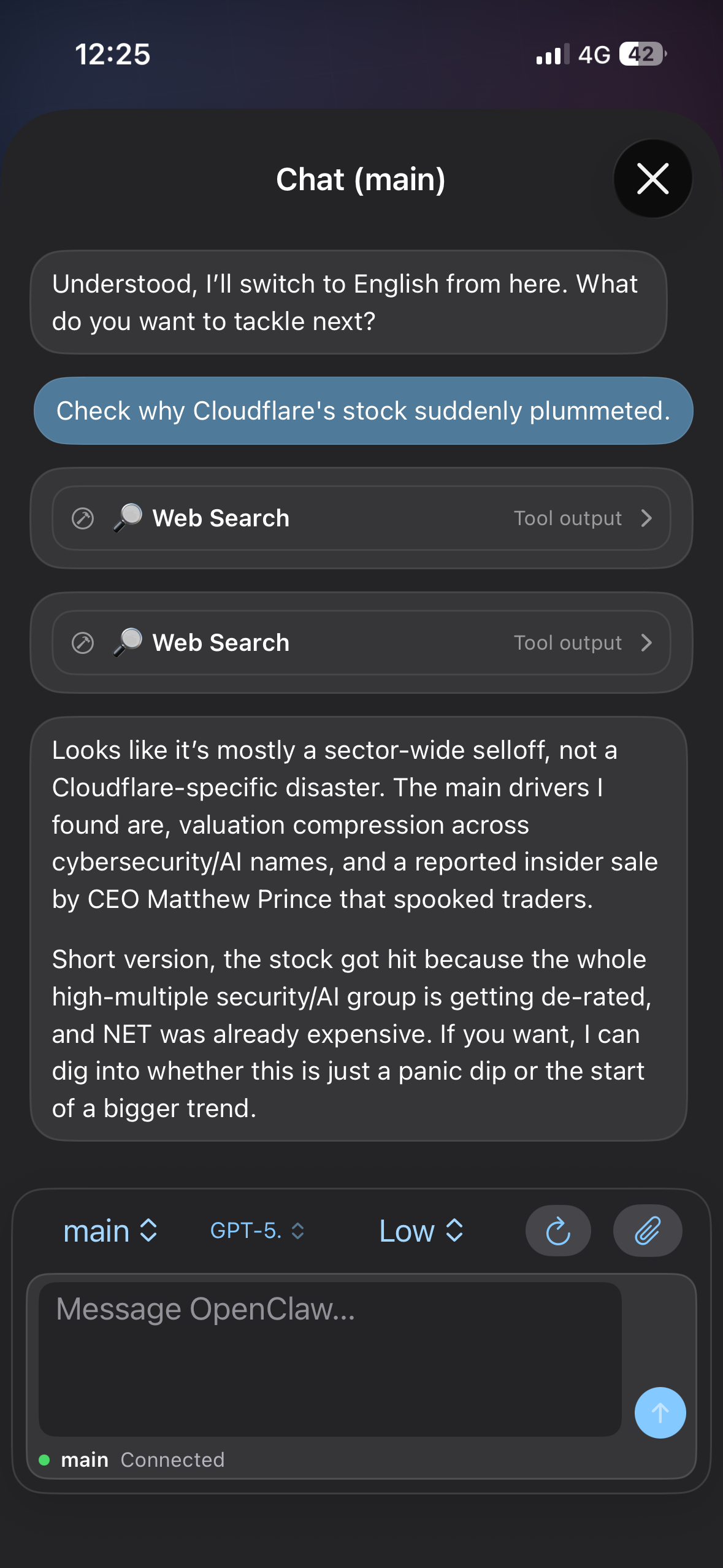
Pair with your own gateway instead of handing device context to a hosted app.
Local-First iPhone Client
Your gateway, now on iPhone.
KeyClaw pairs your phone with an OpenClaw-compatible server so voice, camera, screen capture, sharing, and device-aware actions all stay inside your own setup.
- Pair by QR code or setup code
- Use talk mode, voice wake, and push-to-talk
- Send camera, screen, and share-sheet context back to your gateway
Talk, capture, share, and trigger device-side actions from the client you already carry.
One iPhone app for the workflows that need voice, camera, or mobile presence.
Core Features
Not a separate assistant. An iPhone surface for your own OpenClaw-compatible stack.
Gateway pairing
Connect by QR code or setup code and keep routing, keys, and configuration under your control.
Voice workflows
Use talk mode, voice wake, and push-to-talk when text is too slow or awkward.
Phone-native context
Capture photos, short clips, and screen snippets when the assistant needs real device context.
Share into sessions
Send links, text, and media from iOS directly into your gateway-connected workflows.
How It Works
Four steps from gateway to pocket node.
Run your gateway
Start your OpenClaw-compatible server on your own machine.
Pair the phone
Use QR or setup code to connect the app as a trusted node.
Grant capabilities
Enable voice, camera, notifications, and sharing only where needed.
Use the device
Talk, capture, share, and send live device context back into your server workflow.
FAQ
What this client is for.
Is this a standalone AI app?
No. It is the iPhone client for a server setup you control.
Is the App Store release live?
Yes. KeyClaw is available on the App Store at its public release link.
Why use KeyClaw on iPhone?
Because voice, camera, screen capture, sharing, and notifications matter in real mobile workflows.
Start With Docs
Bring your server workflow to the device you actually carry.
KeyClaw is built to pair with your server, not replace it. Start with the platform guide, then wire the phone into your own stack.